Flowmoor
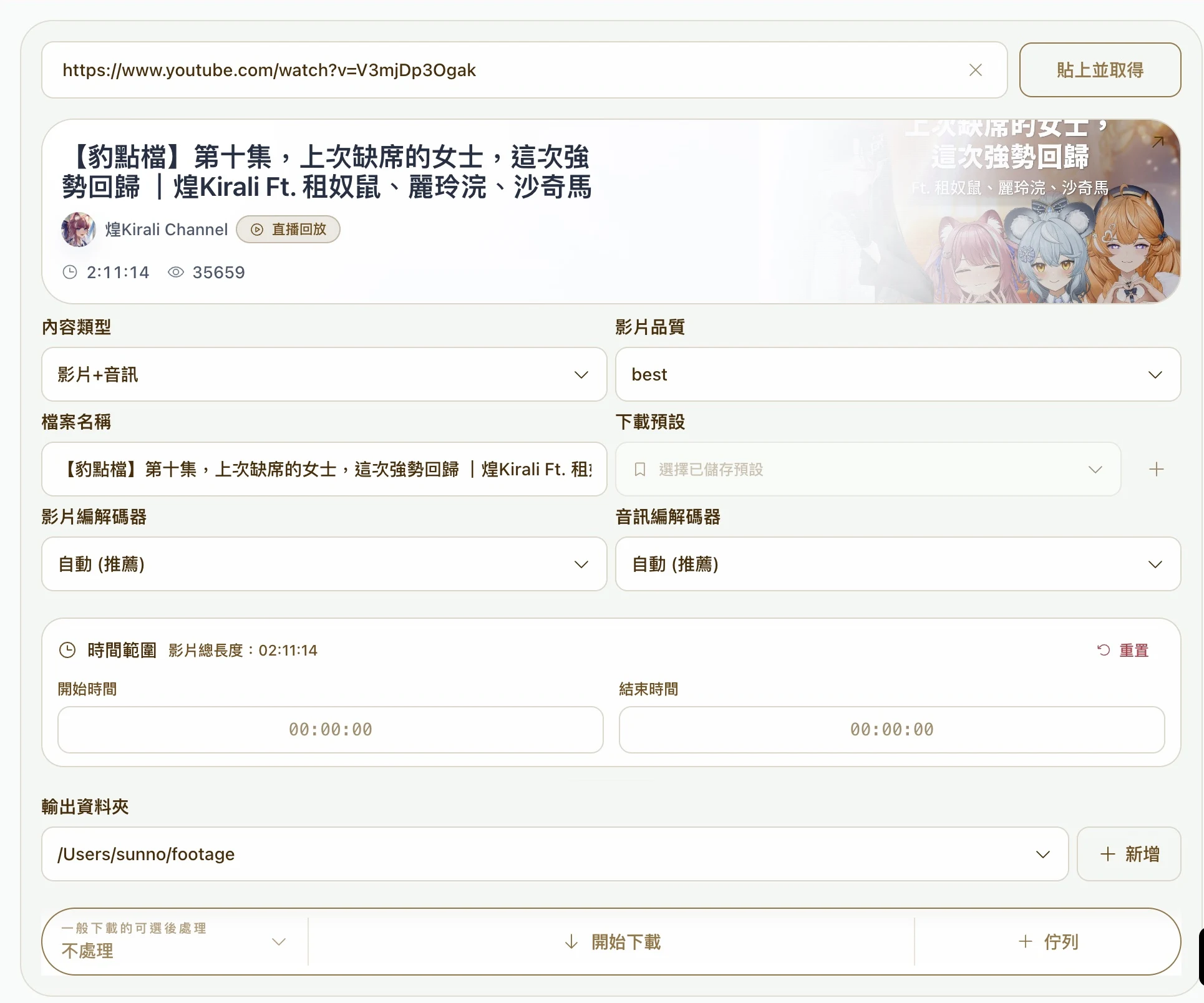
Flowmoor is a desktop media workflow tool developed by Flowmoor Studio. Download full YouTube or Twitch videos or selected ranges, then continue with local subtitle transcription, highlight candidate review, trimming, and batch exports. The media library keeps sources and processing outputs together.
Where are files stored? Does everything work offline?
Videos, subtitles, and exported files are saved to local folders you choose. Transcription can use local models, which require an initial model and tool download. Media downloads, optional cloud AI analysis, and signed-in RecordTimeLabel cloud sync require internet access, so the complete workflow is not fully offline.
From a source to editing assets.
Downloads & schedules
Choose quality, audio or video, and a time range. Channel schedules check for live streams at set intervals and send new tasks to the queue.
Subtitles & speech
Transcribe with local models into subtitles or plain text. Split subtitles by speaker, or isolate speech before transcription.
Automatic clips
Connect transcription, highlight analysis, silence trimming, burned-in subtitles and compilation exports. Adjust cut points in the media library.
RecordTimeLabel
Capture timestamps and notes in RecordTimeLabel, then bring them into Flowmoor to download selected ranges, transcribe subtitles, and organize editing assets. Both tools are developed by Flowmoor Studio, connecting notes made while watching with the work that follows.
Explore RecordTimeLabelDeveloper: Flowmoor Studio · Founded by Jason Chiu · Taiwan
Frequently asked questions